
Sending a Request
How do I send a partnership request, and what am I offering and asking for?
1 min readUpdated November 5, 2026
A request says what you'll give and what you want back. The ad swap is the baseline, and everything else is optional.
Step 1: Open the Form#
Click Partner on a directory card, or Request partnership on a profile.
Step 2: Choose Your Server and Ad#
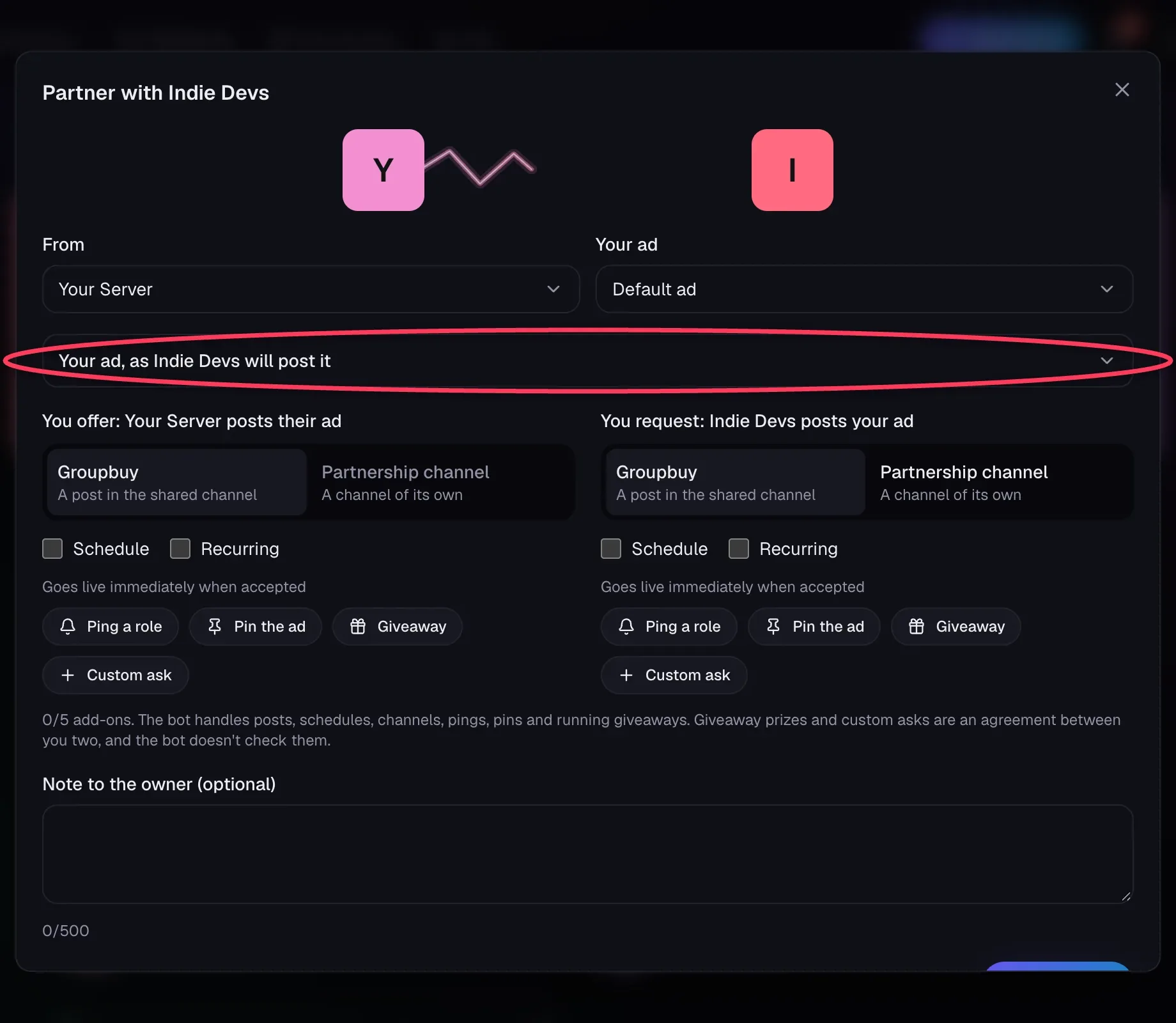
If you run more than one server, pick which one you're sending from. Then choose which ad to use. Your ad is hidden so the form stays short, so click the row to check it.
Step 3: Set Both Sides#
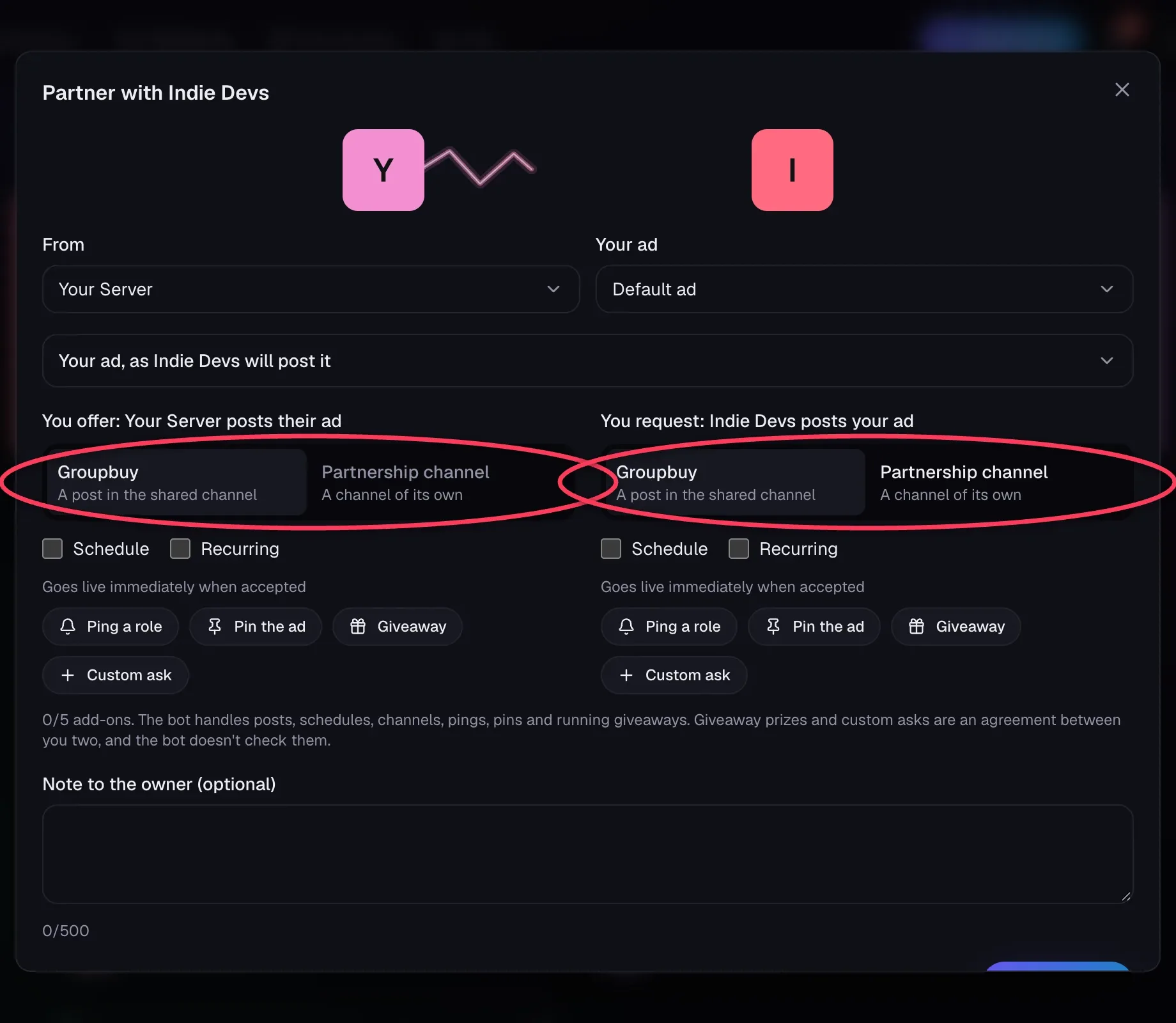
The form has two columns.
- You offer is what your server does for them.
- You request is what their server does for you.
Pick Groupbuy or Partnership channel in each. Not sure? See Groupbuy or Partnership Channel?
Step 4: Choose When#
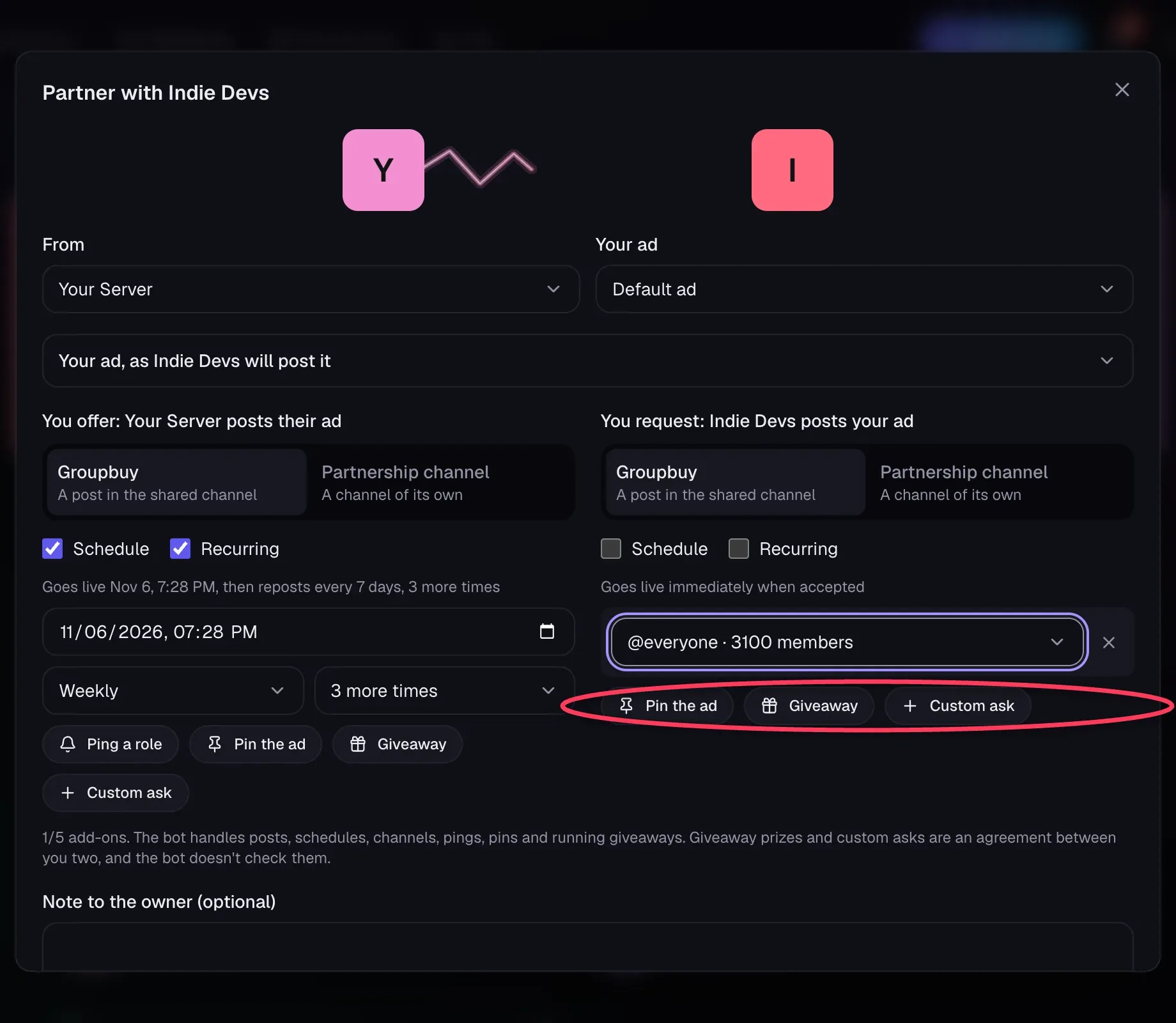
Each side shows when it will go live. By default that's immediately when accepted. Tick Schedule or Recurring to change it. See Scheduling and Recurring Posts.
Step 5: Add Anything Extra#
Add up to 5 add-ons across both sides: pings, pins, giveaways and custom asks. See Pings and Pins, Giveaways and Custom Asks.
Step 6: Add a Note and Send#
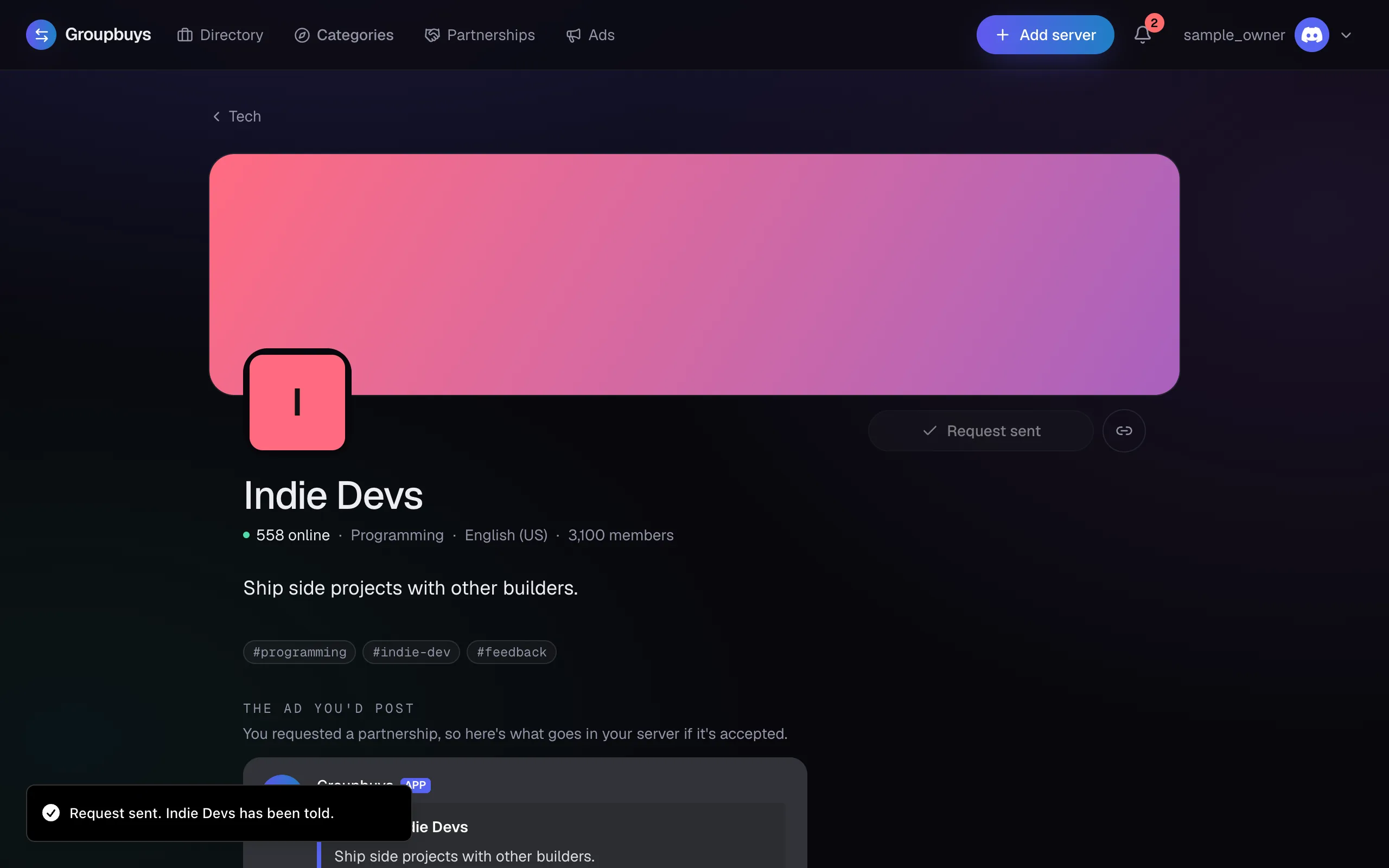
The note is optional, up to 500 characters, and only shows on the site. Click Send request. The other owner gets a DM with the terms and a link to review them.
Limits#
| Limit | Amount |
|---|---|
| Requests a day, from one server | 10 |
| Open requests between two servers | 1, in either direction |
| Waiting period after a partnership or a decline | 7 days |
Tip
If you cancel a request yourself, there's no waiting period. You can send a new one right away.
Still stuck?
Talk to a person. Open a support ticket in our Discord, or ask the community there.