
Countering a Request
How do I change the terms of a request, and how does the back and forth work?
1 min readUpdated November 5, 2026
Don't love the terms? Change any point and send it back. Nothing is agreed until someone clicks Partner up.
Send a Counter#
- Open the request and click Counter.
- Change anything on either side: the type, the schedule or the add-ons.
- Click Send counter. You have to change at least one thing.
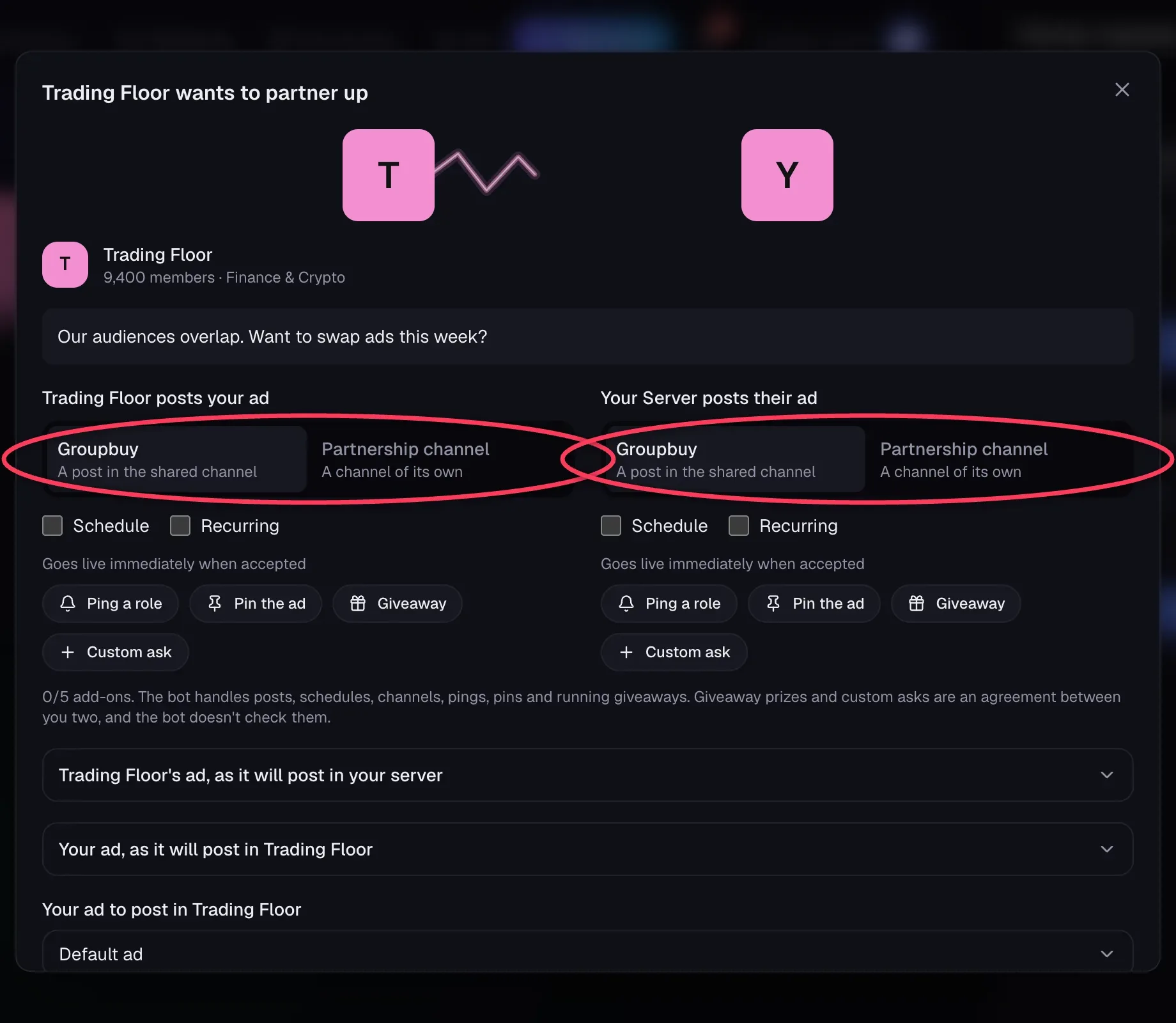
Whoever sends the counter sets the terms, including any dates and repeats. The other owner can accept, decline or counter again.
Whose Turn Is It?#
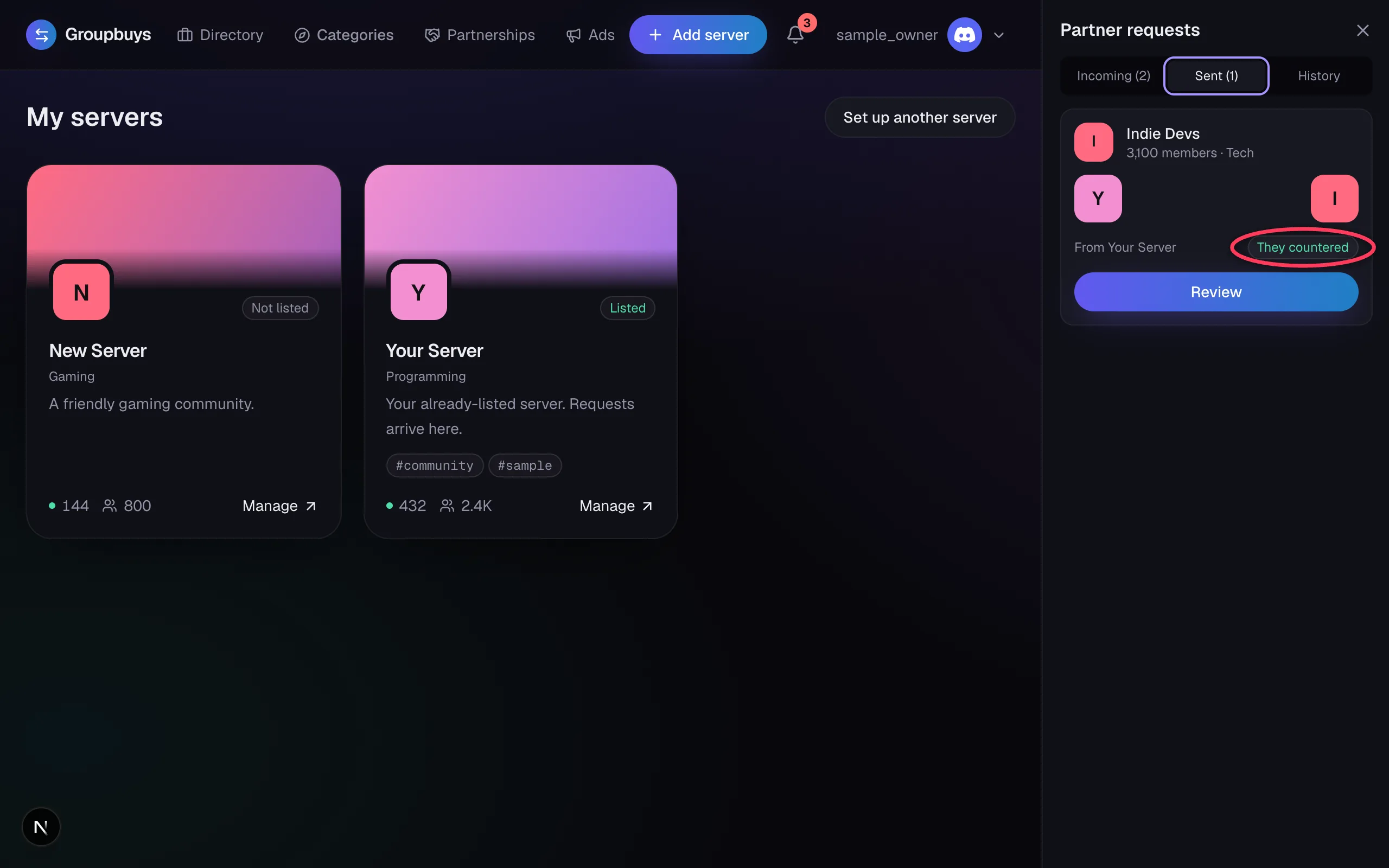
Only one side can answer at a time. When it's your turn, your request says Your turn or They countered.
If you sent the original request, a counter shows up under the Sent tab, and the panel opens on that tab for you.
Limits#
- A negotiation can go up to 10 rounds. After that, the Counter button goes away, so accept or pass.
- Either side can walk away at any point, even when it isn't their turn.
"Those Terms Just Changed"#
You'll see this if the other owner changed something while you had the page open. It stops you from agreeing to old terms. Open the request again to see the latest version.
Still stuck?
Talk to a person. Open a support ticket in our Discord, or ask the community there.