
Finding Partners
How do I find servers to partner with, and who can see what?
1 min readUpdated November 5, 2026
The directory lists every server open to partnerships. This is how to find a good match and start a request.
Search the Directory#
Open the directory. Search by name or topic, or use the filters for category, size and language. Each card shows the server's banner, topic and member count.
Click Partner on any card to send a request straight away.
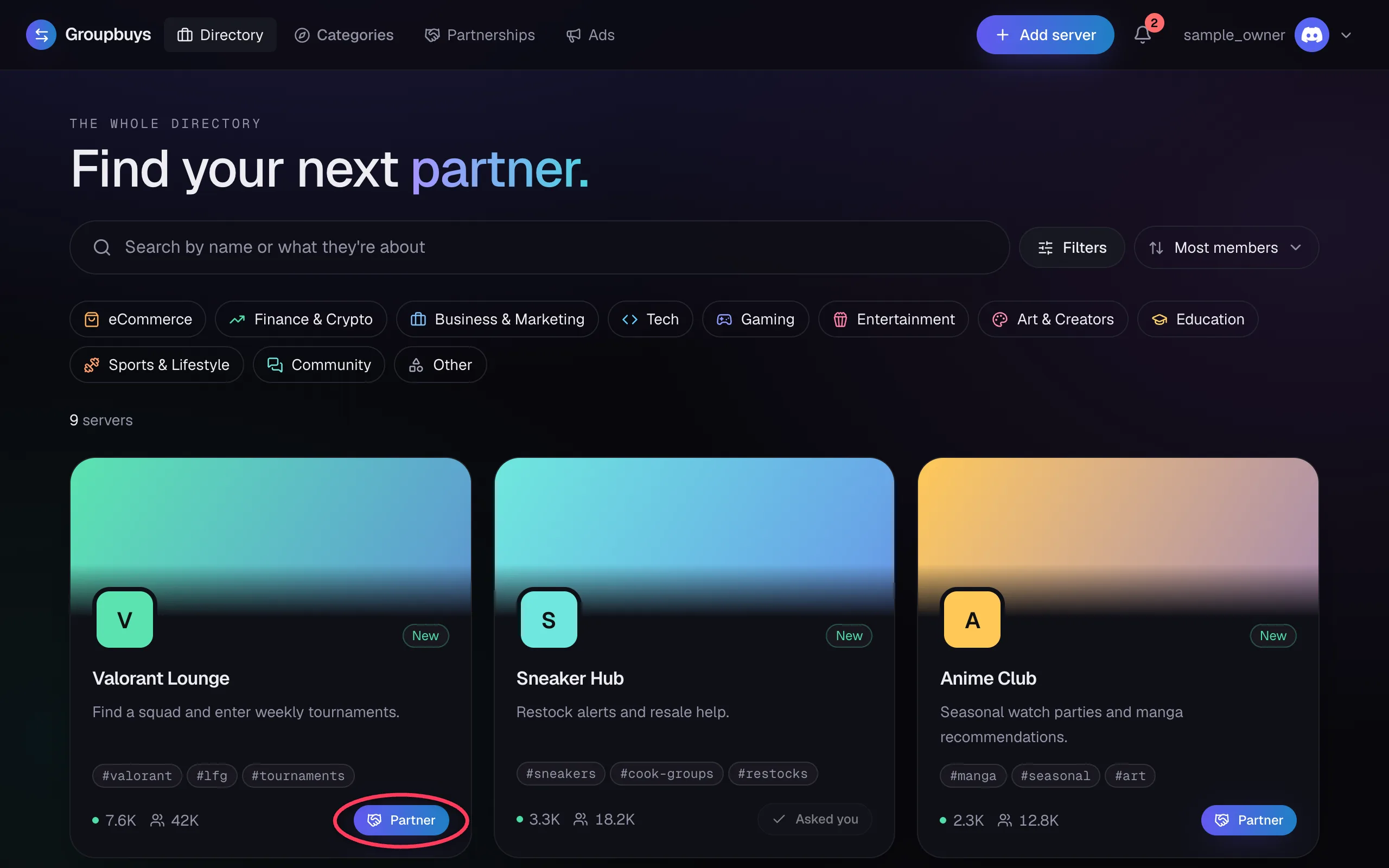
Look at Their Profile#
Click a card to open the profile. It shows their description, who they're looking for and how many partnerships they've completed. Then click Request partnership.
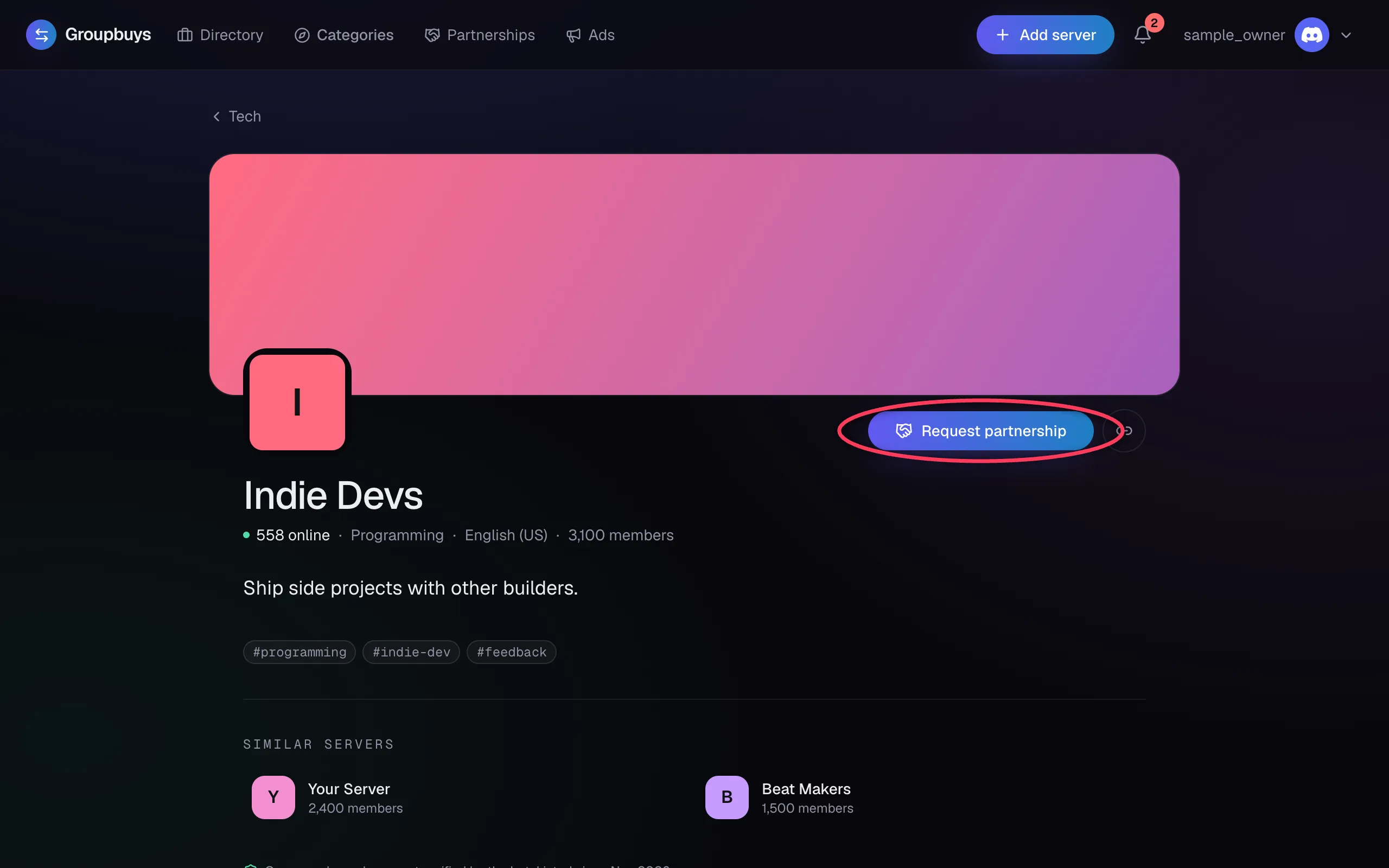
What the Buttons Mean#
| Button | What it means |
|---|---|
| Partner or Request partnership | You can send them a request |
| Request sent | You already have a request open with them |
| Asked you or They asked you | They sent you one. Open your requests to answer |
| List a server to partner | You need a listed server of your own first |
Why You Can't See Their Ad Yet#
A server's ad stays private until you've requested a partnership with them. To look around their server first, click Join Discord on their profile.
Still stuck?
Talk to a person. Open a support ticket in our Discord, or ask the community there.