
Delisting or Leaving
How do I take my server out of the directory or remove the bot?
1 min readUpdated November 5, 2026
You're free to pause or leave at any time.
Take Your Server Out of the Directory#
Open your servers, click Manage, and turn off the switch at the top.
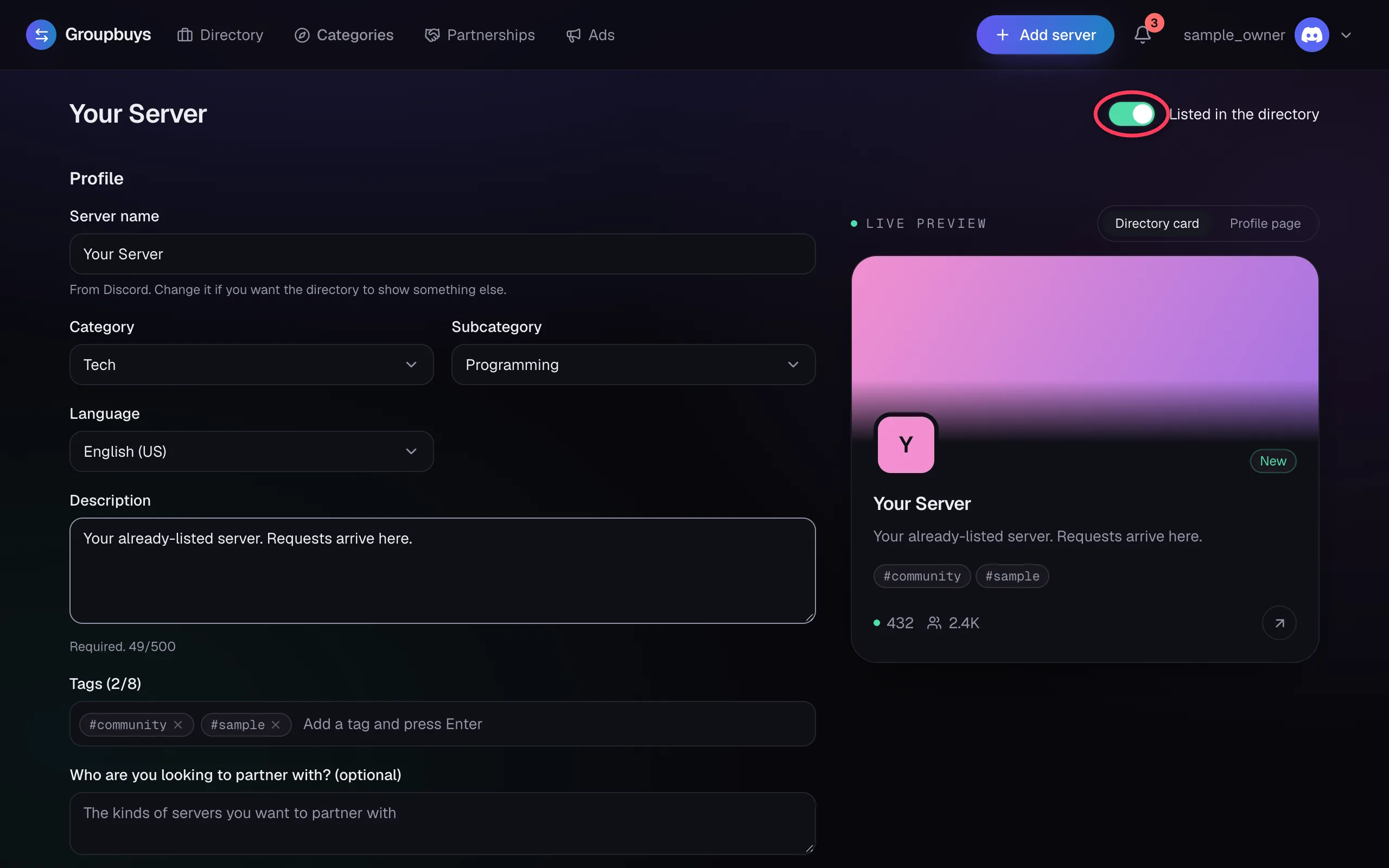
Your profile disappears and no new requests can come in. Turn it back on whenever you like.
Note
Delisting doesn't cancel requests already open. Stop any scheduled posts on the Partnerships page too.
Removing the Bot#
Kick the bot in Discord and your server is taken out of the directory at the next check. Any scheduled posts in your server stop, and both owners are told. Add it back from your server's page.
Changing Owner#
If you transfer a server in Discord, it's delisted and goes back through setup under the new owner. Open deals won't post until that's done.
Deleting Your Data#
Ask us in the Groupbuys Discord. See the Privacy Policy for what we keep.
Still stuck?
Talk to a person. Open a support ticket in our Discord, or ask the community there.